Flow Overview
End-to-End Flow
- Initialize — call
tapSDK.init(...)with yourFasstapSDKConfigurationand aTapCallback. See Initialize the SDK. - Login — call
tapSDK.loginWithResetProvision(context, uniqueId).onLoginSuccess()fires on your callback once the SDK is ready. - Start a transaction — call
startTransactionFlow(...). See Start a Transaction. - Card interaction —
onCardStatus(...)fires as the user taps their card (tapped, read error, timeout, duplicate, unsupported tag, etc). - UI-driving events —
onTransactionUIEvent(...)fires for events your app must react to, including PIN entry and signature capture. See Capture Signature for the signature case. - Result —
onTransactionResult(resultCode, json)fires with the final outcome. See Transaction Result Fields below and Appendixes for the status code reference.
At any point before step 6, you can abort the flow; after step 6, you void the completed purchase instead — see Cancel a Transaction for both.
Diagram: end-to-end sequence diagram (init → login → start → card tap → [signature] → result). The source document did not include a diagram for this flow.
Transaction Result Fields
onTransactionResult returns a JSON payload. Fields observed in a working
integration:
| Field | Example | Notes |
|---|---|---|
statusCode | "00" | See Appendixes for the full list. "00" and "0" are both treated as success. |
statusMessage | "Private error #82" | Human-readable status description. |
transAmount | "1000" | Same no-decimal format as the request. |
transID | "134436" | SDK-assigned transaction ID — needed for voiding the purchase. |
approvalCode | — | Card network approval code. |
cardNo | "481388******0105" | Masked PAN. |
cardLabel | "VISA" | Display label — not the same as appId. |
refNo | "000000069268" | Fiuu order/reference ID. |
orderId | "000001" | Echoes the orderId you sent. |
appId | "A0000000031010" | EMV Application Identifier — pass this as appId to void the purchase. |
appCryptogram | "B32B721449A46987" | EMV application cryptogram. |
tvr | "0000000000" | Terminal Verification Results. |
merchantId | — | Your merchant ID. |
terminalId | — | Terminal ID. |
contactlessCvmType | "3F0002" | Contactless cardholder verification method used. |
traceNo | "000051" | Trace number. |
transDate / transTime | "0502" / "160640" | Transaction date/time. |
POSEntryType | "073" | POS entry mode. |
Trying It with the Testing App
The bundled Tap-On-Phone Testing App exercises this flow directly. Init and login (steps 1–2 above) happen once, automatically, on app startup — there's no button for them. Everything below picks up from step 3.
-
Enter the payment amount on the numeric keypad, then tap CHARGE. This calls
startTransactionFlow(...)(step 3 above).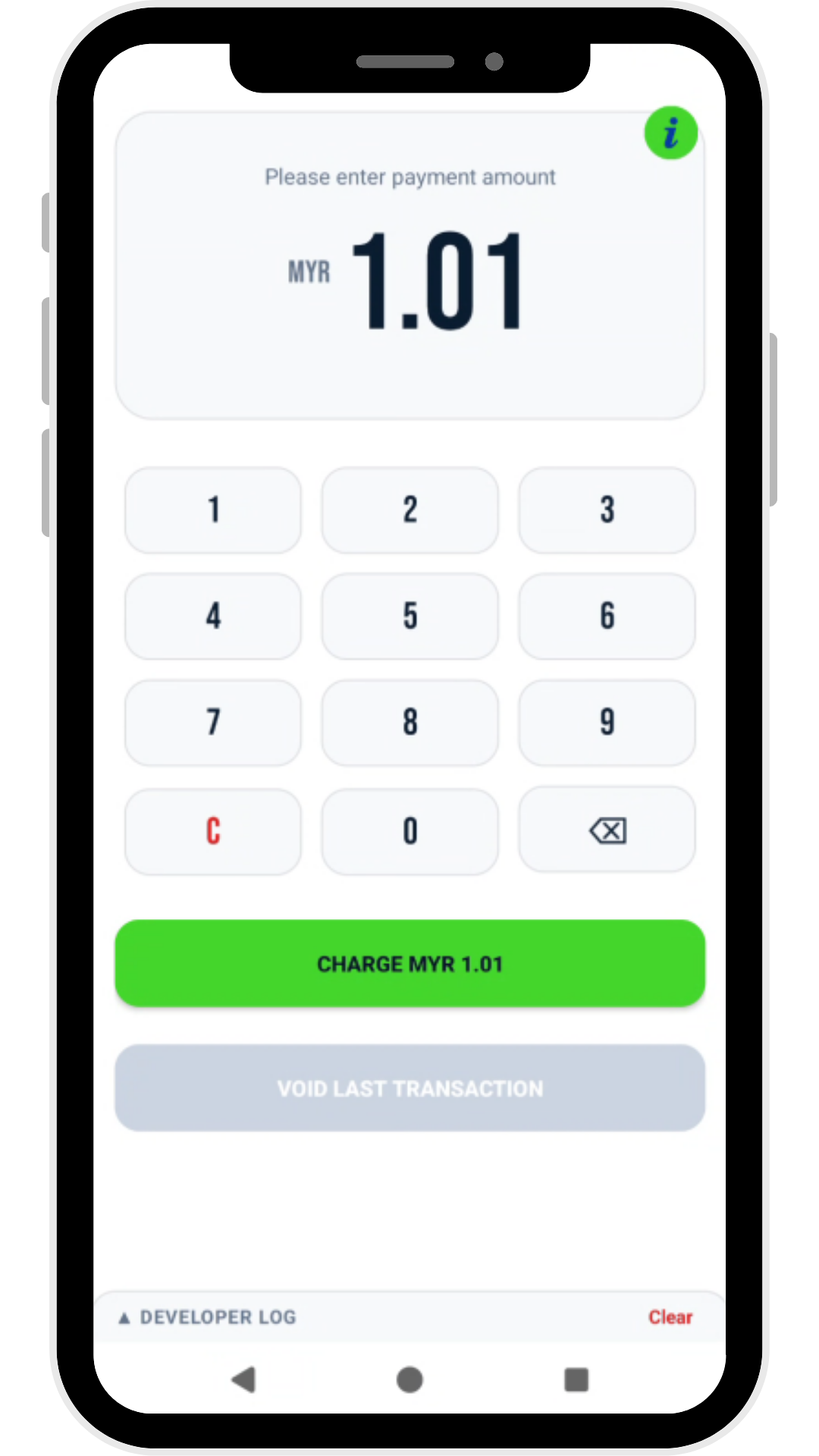
-
Tap the card when prompted. Unlike the native PIN pad, this "Hold Card to Phone" dialog is drawn by the app itself, not the SDK — it's shown while waiting for
onCardStatus(...)(step 4 above) and dismissed once the tap resolves. Its Cancel button callsabortTransaction.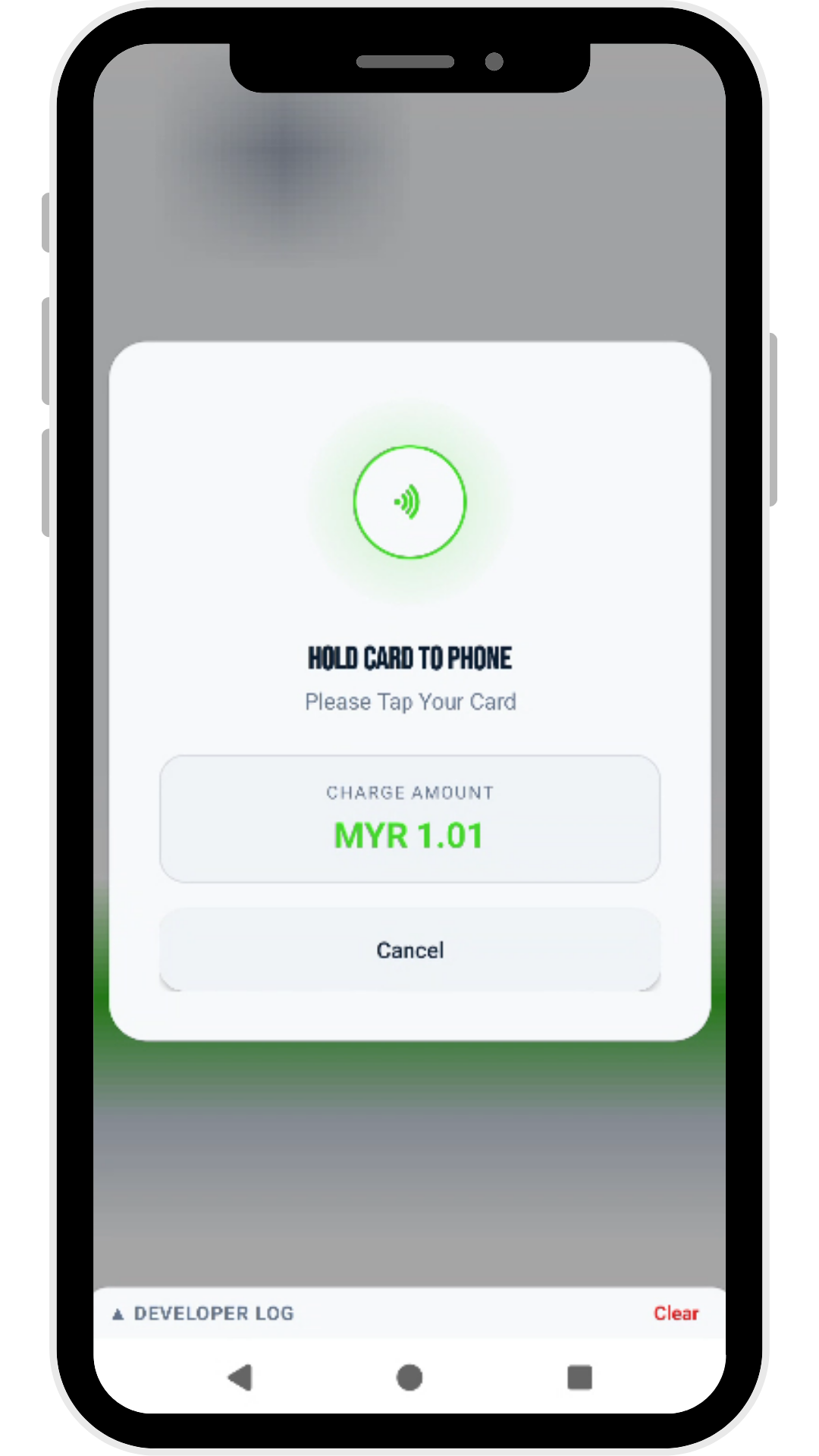
-
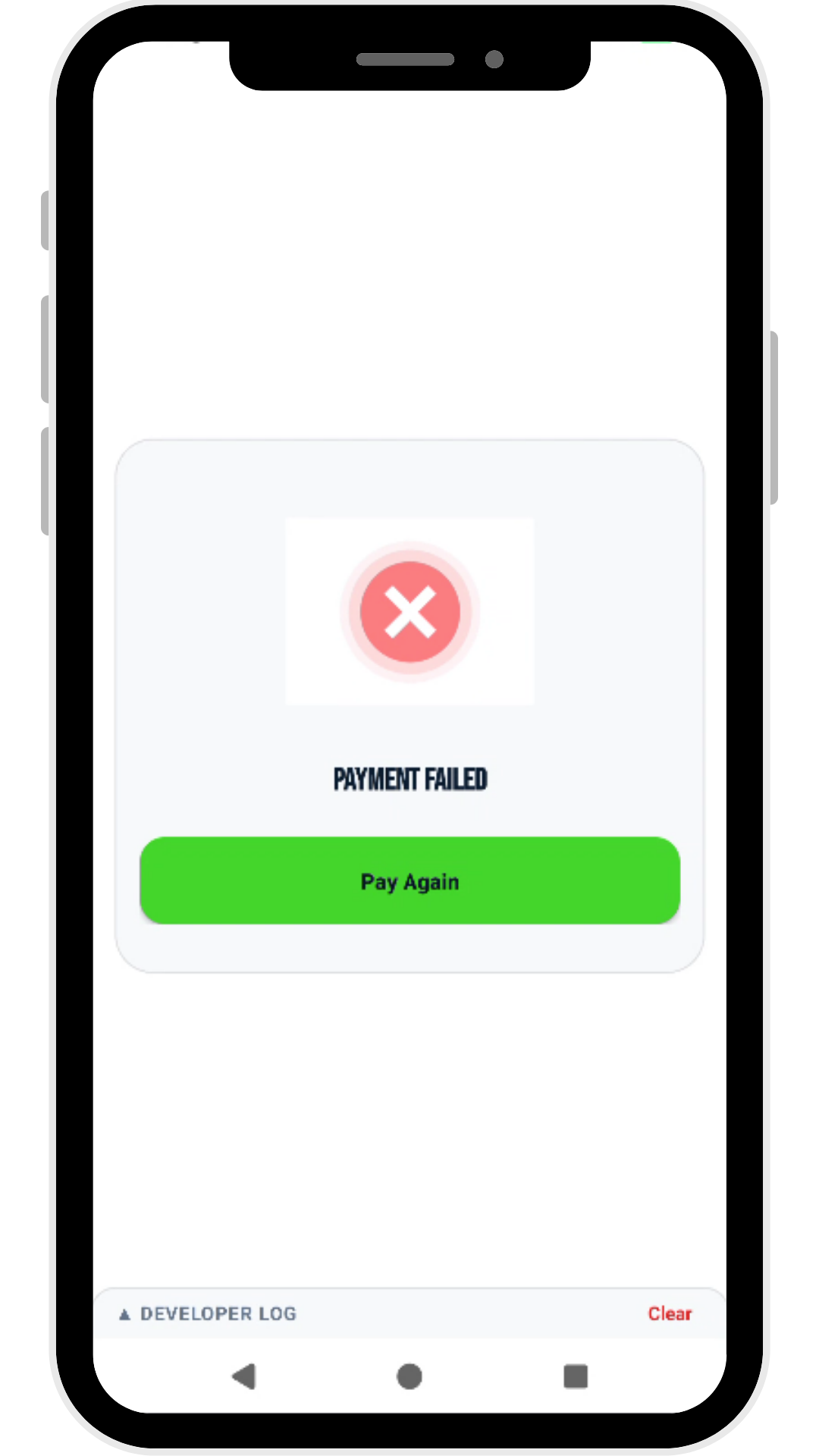
Result (step 6 above) is shown as a full-screen outcome:
- Payment Success, with an Exit button.
- Payment Failed, with a Pay Again button to retry.
Success Failed 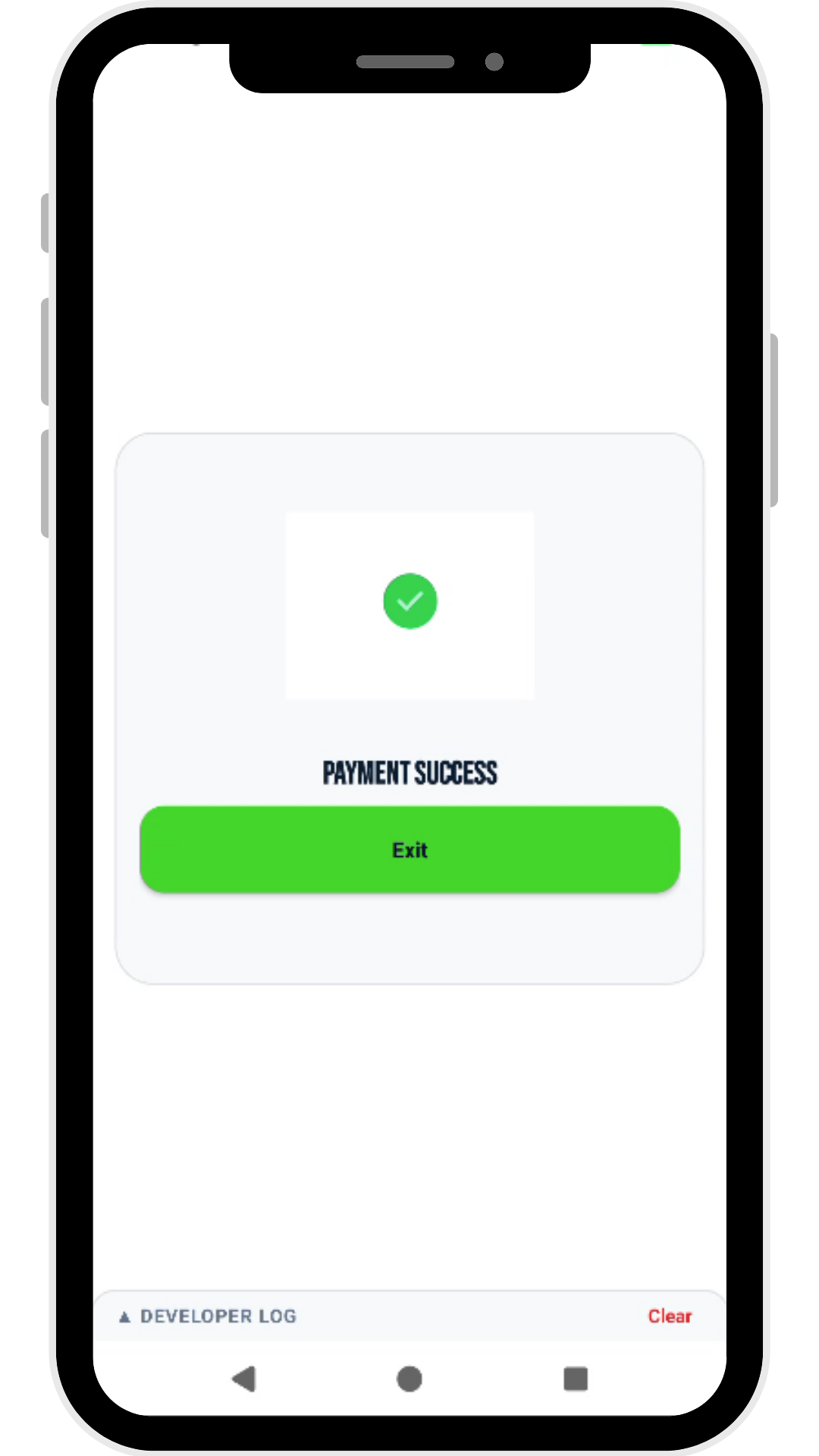
-
VOID LAST TRANSACTION — enabled after a successful charge, this opens a confirmation dialog pre-filled with the fields
cancelPurchaseneeds (Unique ID, Order ID, Amount in cents, Transaction ID, AID). Tap Proceed Void to reverse the purchase, or Cancel to back out.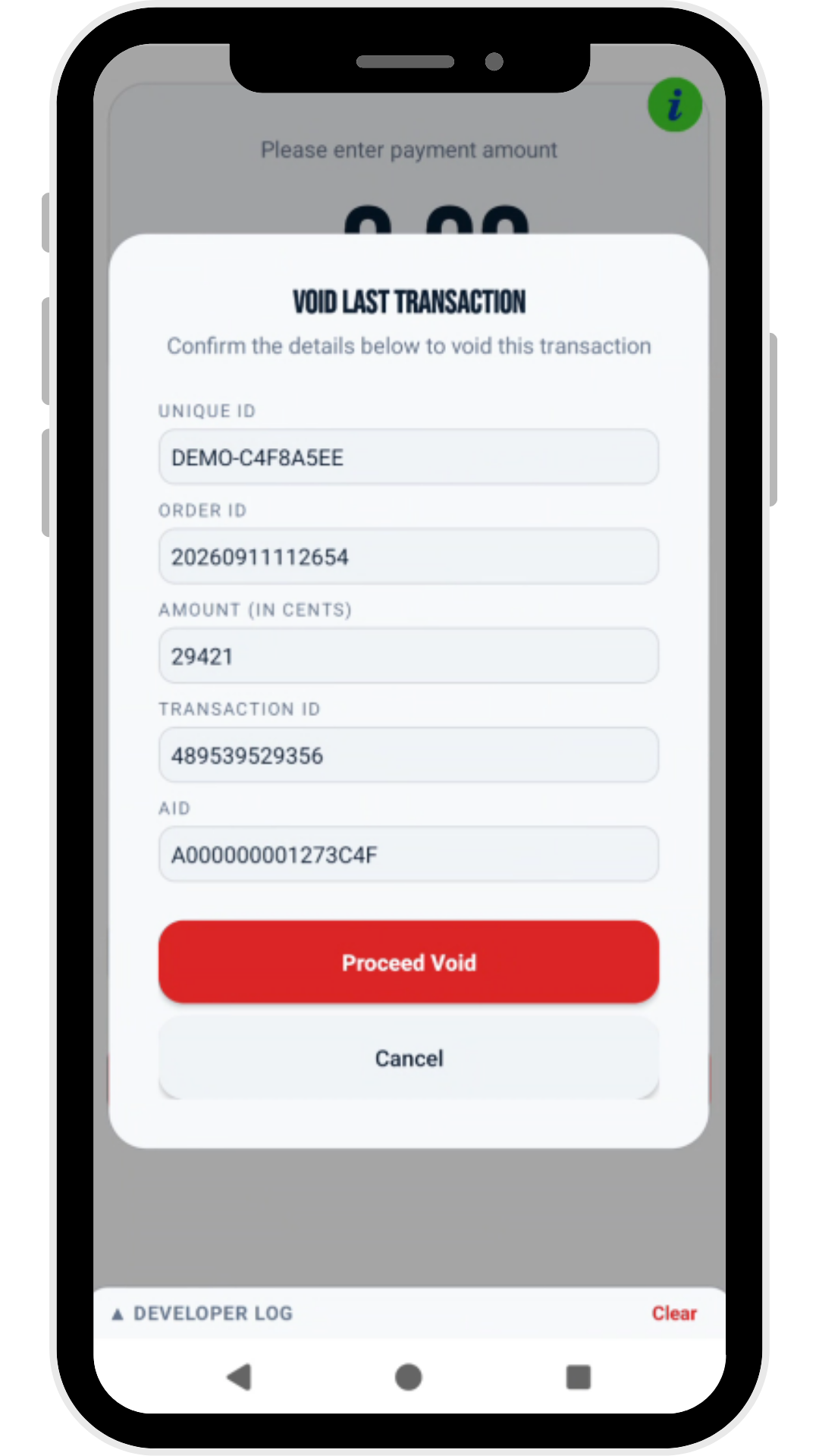
Every screen above has a collapsible DEVELOPER LOG panel at the bottom
(with a Clear button). It streams the raw SDK callbacks
(onCardStatus, onTransactionUIEvent, onTransactionResult, etc.) as
they fire, so merchants and integrators can watch the actual event
sequence from this page while reproducing an issue, without needing
adb logcat.