Export Google Play Integrity Key (Beta/Production)
This option requires your app to already be uploaded to the Google Play Store (Beta or Production track). It exports the Google Play Integrity private key for local token processing, which reduces network round-trip time compared to the service-account approach above.
-
Create a new RSA key pair (2048-bit):
openssl genrsa -aes128 -out private.pem 2048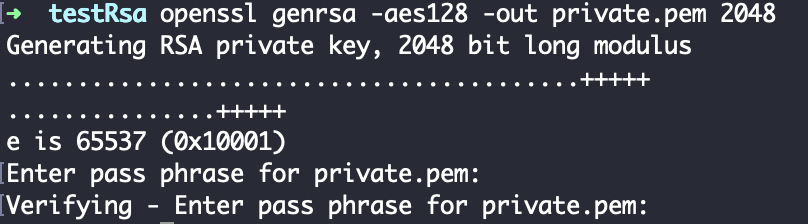
-
Derive the public key from the private key:
openssl rsa -in private.pem -pubout > public.pem
-
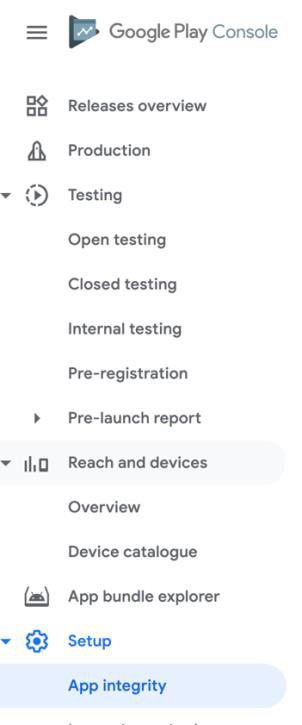
In the Google Play Console, go to your app's App Integrity section.
-
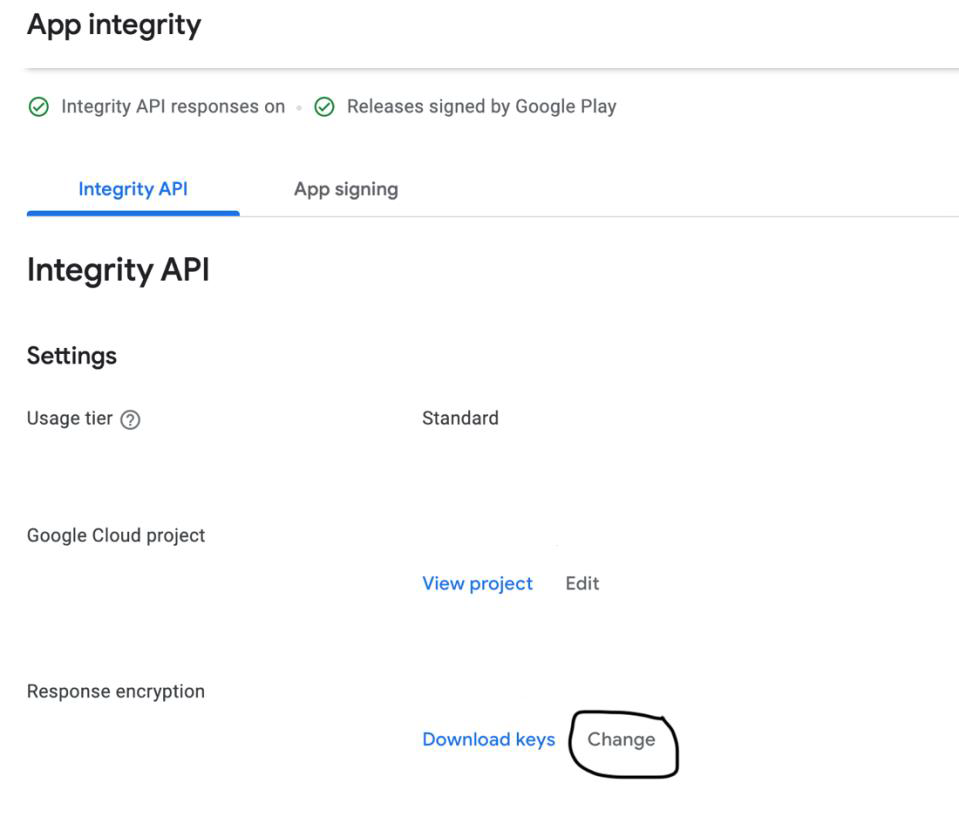
Under Integrity API > Response Encryption, select Change.
-
Select Manage and download my response encryption key, then upload the
public.pemgenerated in step 2.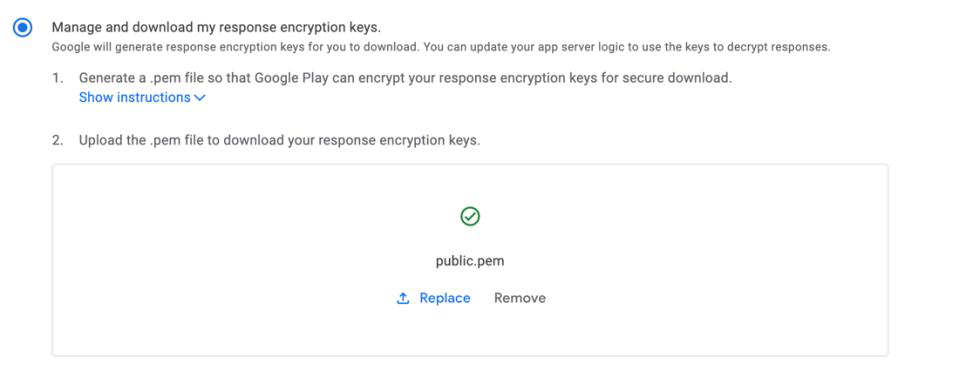
-
Select Save Changes. Play Console generates the app's response encryption key and prompts you to download the encrypted keys (
.enc) file.Screenshot: Encrypted key download prompt. The source document did not include a screenshot for this step.
-
Decrypt the
.encfile intoapi_keys.txtusing the private key from step 1:openssl rsautl -decrypt -oaep -inkey private.pem -in keys.enc > api_keys.txt -
Encrypt
api_keys.txtand share it with Fiuu.